Best Digital Photo Frames for Sharing Family Photos
The best digital photo frames for sharing family photos across the miles, from grandparent-easy setup to unlimited cloud storage. Honest picks after testing.
My family is in Romania and my husband's aunt is in California, and between the two of them, the people who love my boys the most see them the least. I take a genuinely embarrassing number of photos of my four kids every week, the garden, a homeschool science experiment gone slightly wrong, somebody's missing tooth, and most of them just sit on my phone. I would text a handful to my mom once a month if I remembered, which is not the same as her actually watching her grandsons grow up.
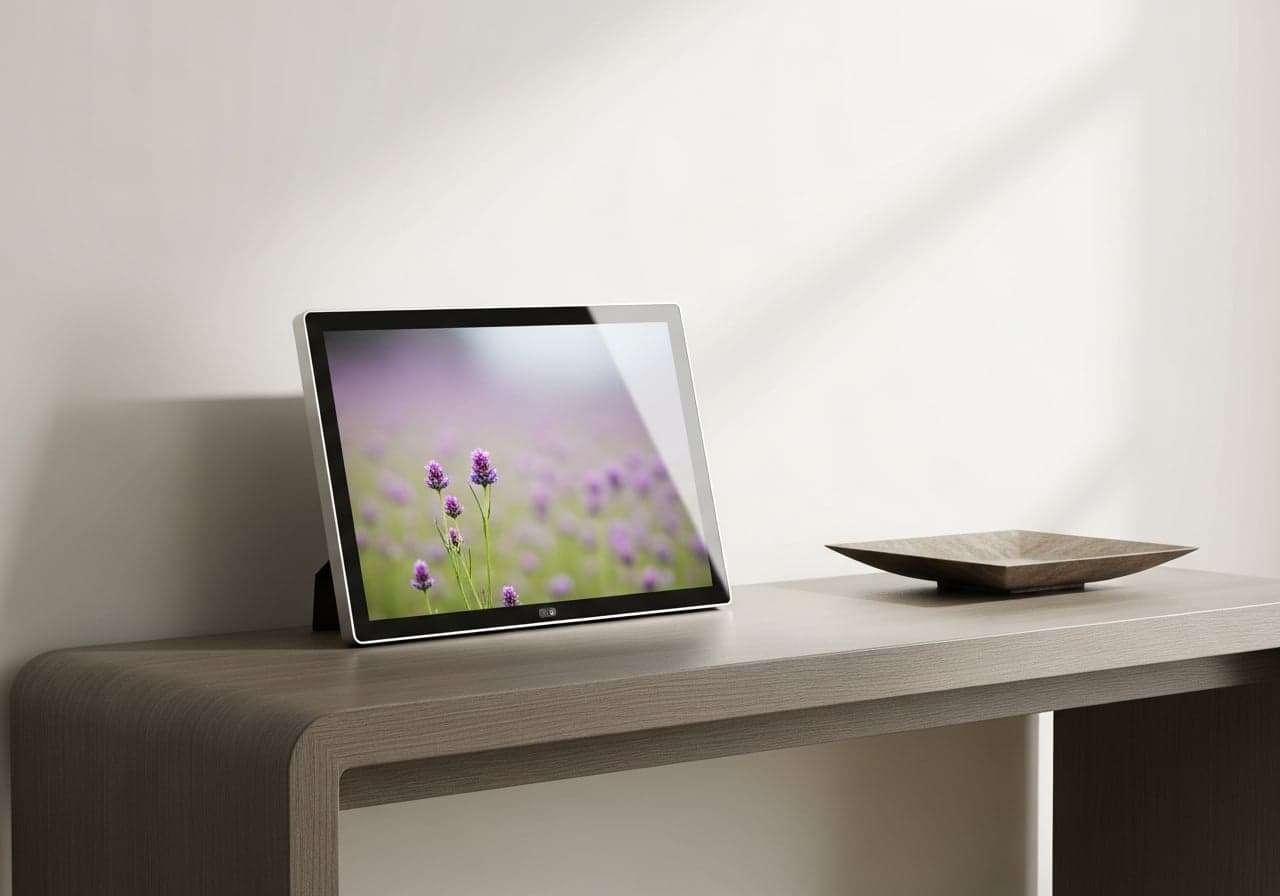
A digital photo frame fixed this in a way I did not expect. I bought the first one, a basic Wi-Fi digital picture frame, almost as an afterthought for my mom, mostly because setting up a shared album felt like too much to ask of her over a spotty connection. After that first Aura frame, I started researching every other option on the market, and I have strong opinions about which ones actually work for a family spread across time zones, and which ones look great in a review but fall apart the first time someone who is not tech savvy has to use them alone.
What Actually Matters in a Family Photo Frame
A few things I look for now before recommending one to anyone.
How photos actually get onto the frame. This is the single biggest factor for a frame going to grandparents. If it requires downloading an app, creating an account, and understanding what Wi-Fi network to join, you are signing up to be tech support for the next five years. The best frames make this closer to sending a text message.
Who can contribute. A frame is only as good as how many people can add to it. If just one person uploads, it becomes a slideshow of one person's photos. The frames worth buying let multiple family members send photos to the same frame from their own phones.
Storage and whether there is a subscription. Some frames include free unlimited cloud storage forever. Others cap you at the internal storage, which usually means 32GB or so, and that fills up faster than you would think once video clips get mixed in with photos.
Screen quality and size. A cheap, dim screen makes even good photos look washed out. A 10 inch screen is the sweet spot for a nightstand or console table, big enough to actually see faces clearly from across a room.
Wi-Fi reliability for the receiving end. This matters more than people think when the frame is going somewhere with an inconsistent connection, which describes my mom's house in Romania more than I would like.
At a Glance
| Pick | Best For | Setup Method | Storage | Approx. Price |
|---|---|---|---|---|
| Aura Carver | Best for gifting grandparents | Aura app | Free, unlimited | $130-$150 |
| Nixplay 10.1 in | Best for multiple contributors | App or email | Free cloud (basic tier) | $130-$150 |
| Skylight Frame | Best for non-tech-savvy relatives | Unique email address | Cloud, no login needed | $150-$180 |
| Frameo 10.1 in | Best budget pick | Frameo app | 32GB built-in | Under $70 |
Aura Carver 10" WiFi Digital Picture Frame
The Aura Carver is the one I would buy first if you are only getting one frame. We have one in our own house, and it has been running nonstop for over a year. We also send photos to Aura frames at my husband's aunt's, my mother's, and my grandma's houses, plus a few we gifted to friends. Ours came from Costco, where they show up at a good price now and then, but it is the same frame you can order on Amazon any day of the week. Setup took about a minute once we had it plugged in and connected to our Wi-Fi, and from there my husband and I both send photos straight from our phones using the Aura app whenever something is worth sharing. No group text, no waiting for someone to compile an album.
The screen is color calibrated and auto adjusts brightness depending on the room, so a photo taken in bright Stafford sunlight does not look blown out on their end, and a dim indoor shot does not disappear into the frame's glare. Storage is free and unlimited, no subscription, which was one of the deciding factors for us since we did not want to be paying a monthly fee just so grandparents can see their grandkids. One thing I love about the Aura app is that if you are invited as a contributor, you can see what other people have attached to a frame even if the frame is at someone else's house — so I can see when new photos pop up on my mom's or my husband's aunt's frame without being on their Wi-Fi. The frames we gifted to friends are theirs to manage, though, so we don't have access to those.
The honest limitation is that the mat surrounding the screen makes the actual photo display area a bit smaller than the total frame size suggests. For straight photo and video sharing, though, it has been the easiest of the four to hand off to relatives and never think about again.
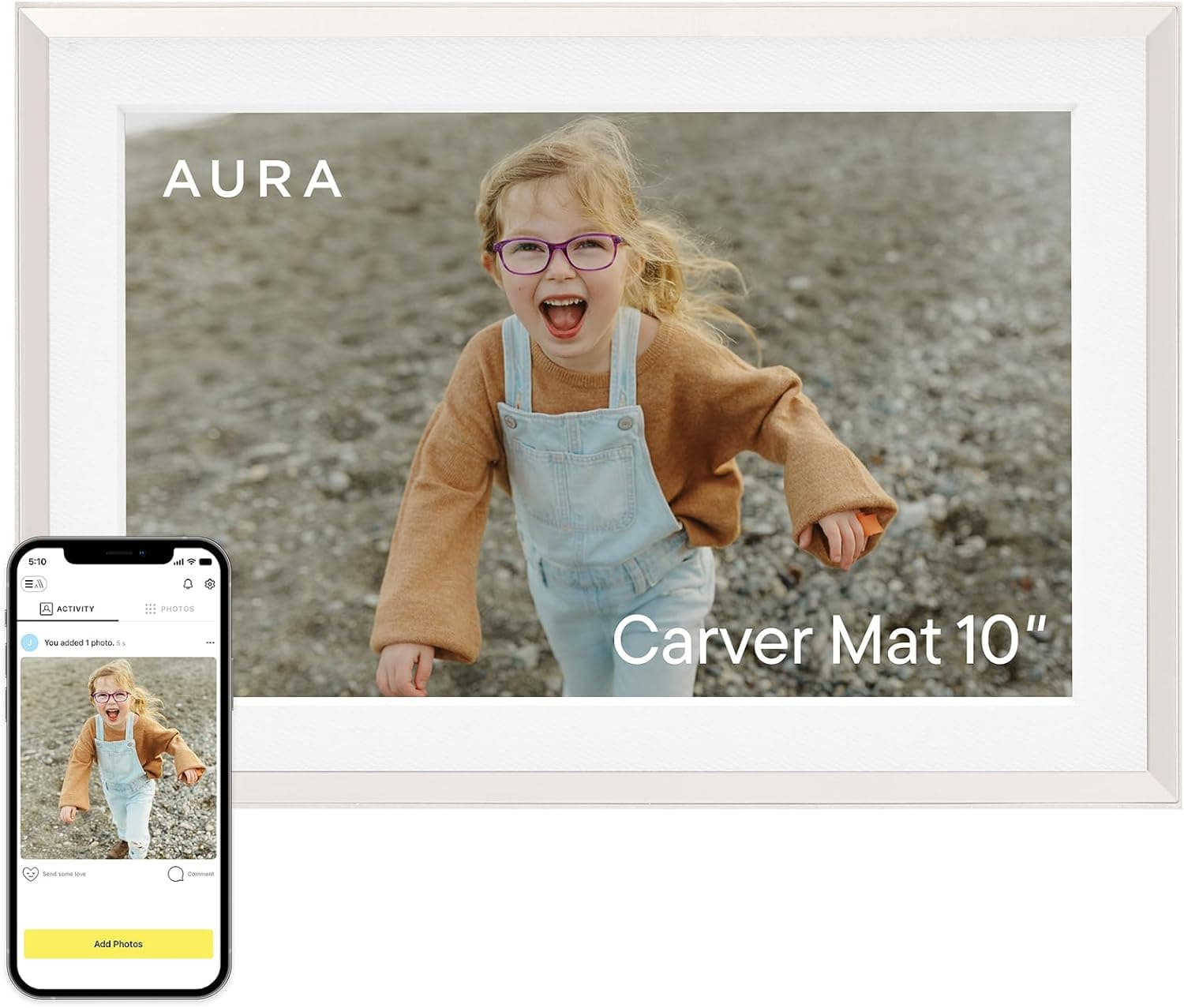
Color calibrated 10 inch display with automatic brightness adjustment, free unlimited cloud photo storage, and no subscription fees. Multiple family members can send photos directly from the Aura app. Quick one minute setup that genuinely works for relatives who are not comfortable with technology.
Nixplay 10.1 Inch Smart Digital Photo Frame
The Nixplay is the frame I would recommend if you need multiple people adding photos at once, mostly because more of us wanted to be able to add photos to a single frame. The Nixplay app lets you set up shared playlists that multiple people can contribute to, so several family members can all add to the same rotating slideshow without anyone needing admin access or special permissions. I did my research on this one rather than testing it firsthand, but the features checked every box for what a big family needs.
What I appreciate most is that it also accepts photos by email, which matters for the handful of extended family members who will never download another app but can absolutely attach a photo to an email. The touch screen is responsive for scrolling through the timeline manually, and the frame supports both photos and video clips without an extra fee, just like the Aura.
The caveat here is that the free tier limits how many playlists and photos you can store before Nixplay starts nudging you toward their paid plan. From what I found in my research, normal family use stays under that ceiling, but if you are the type of family that sends dozens of photos a week, it is worth knowing that ceiling exists before you buy.
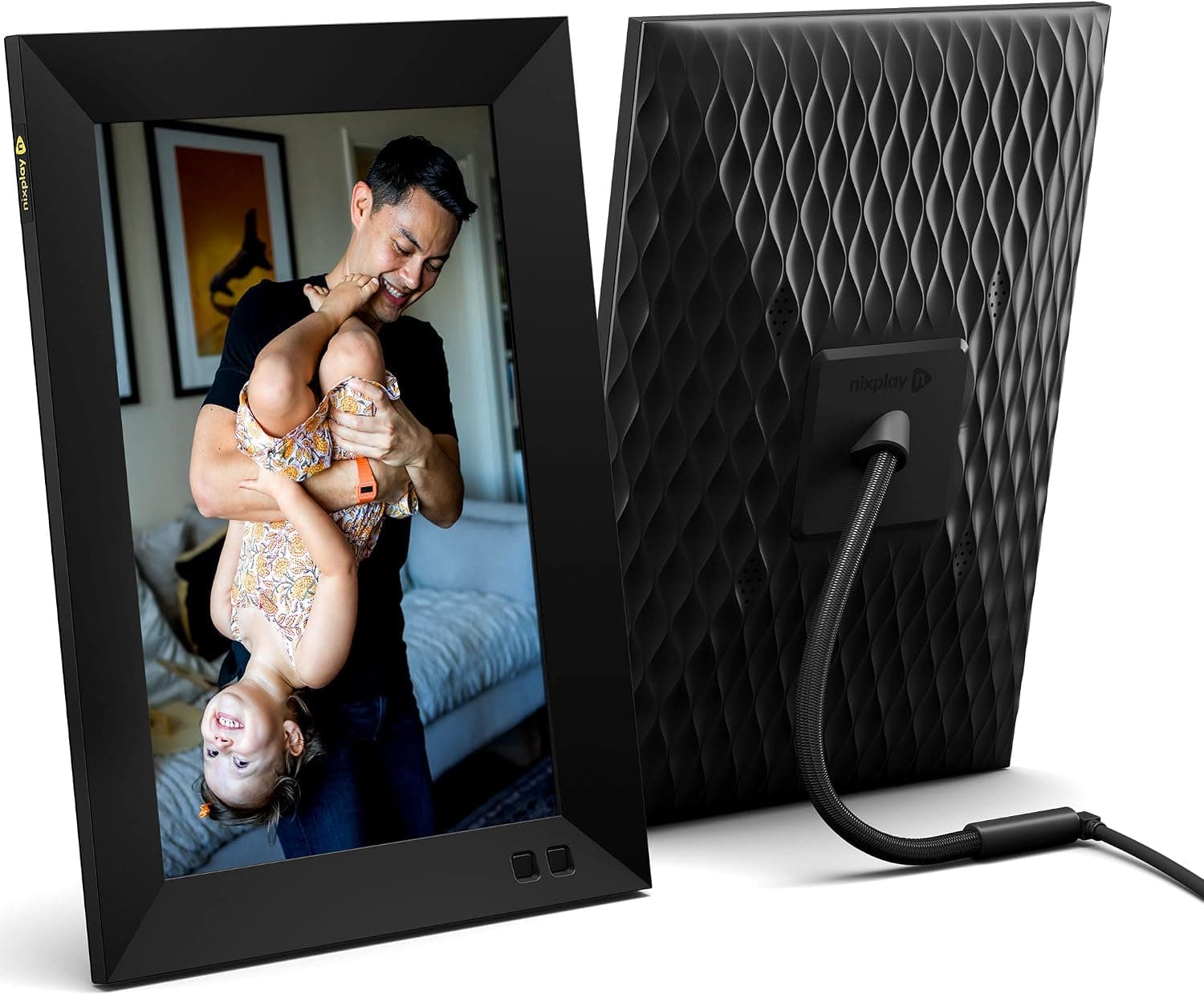
Shared playlists let multiple family members add photos and short videos to the same frame from the app or by email. Responsive touch screen for browsing manually. Free tier covers normal family use, with a paid plan available if you need more storage or playlists.
Skylight Frame 10 Inch
The Skylight Frame is the one I would recommend for the relative who genuinely cannot manage an app, full stop. Each frame gets its own unique email address during setup, and from that point on, anyone in the family can email photos to that address and they show up on the frame automatically. No login, no account creation, nothing to remember. This is the frame I would get for my husband's aunt, who does not use a smartphone at all — my husband could simply email her photos from his phone every week.
The touch screen display is bright and sized generously at 10 inches, and Skylight includes real customer support you can call, which sounds minor until you are trying to walk an 80 year old through troubleshooting over the phone and having an actual support line to lean on matters. It also handles video clips without a separate fee.
The tradeoff is price. It runs noticeably higher than the Aura or Nixplay for what is, on paper, similar hardware. You are paying for the simplicity of the email based system and the support line, and for a family situation like ours where the person receiving the frame truly cannot use an app, it would be worth it. For anyone reasonably comfortable with a smartphone, the app based frames get you the same result for less money.
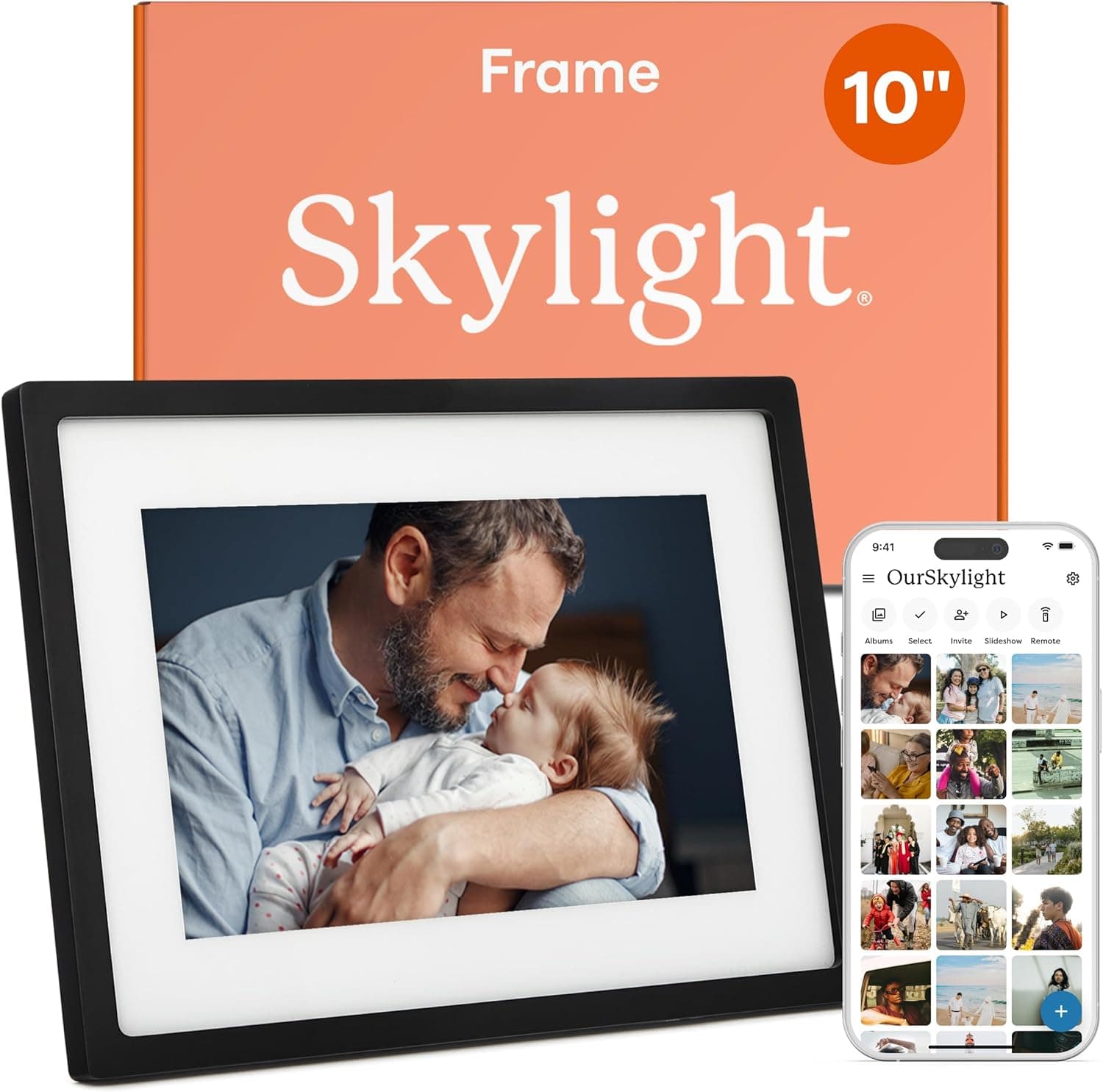
Each frame gets a unique email address, so relatives who do not want to download an app can still receive photos automatically, no login required. Real phone based customer support included. A strong pick for the family member who is not comfortable with smartphone apps at all.
Frameo 10.1 Inch WiFi Digital Picture Frame
The Frameo is the budget pick, and from my research it is a solid entry point before you understand the differences between frames enough to know what you want. At well under $70, it gives you a 10.1 inch HD touch screen, 32GB of built in storage, and the free Frameo app for sending photos and short video clips from anywhere.
For the price, it does more than it should. The screen quality is genuinely good from what I found, sharp enough that photos look crisp rather than grainy, and the app works reliably for uploading. It also has a motion sensor that wakes the screen when someone walks by and dims it when the room is empty, which helps battery and screen life over time.
Where it falls short compared to the others is storage ceiling and polish. 32GB sounds like a lot until you are storing a mix of photos and video clips from four kids over a year, and from what I read, older photos do eventually get pushed out to make room. The app interface is also a bit less refined than Aura or Nixplay, occasionally requiring a restart to sync new photos. For a first frame, or a lower stakes gift, it is a genuinely solid value. For the frame that is going to carry years of memories without maintenance, I would spend the extra money on one of the others.
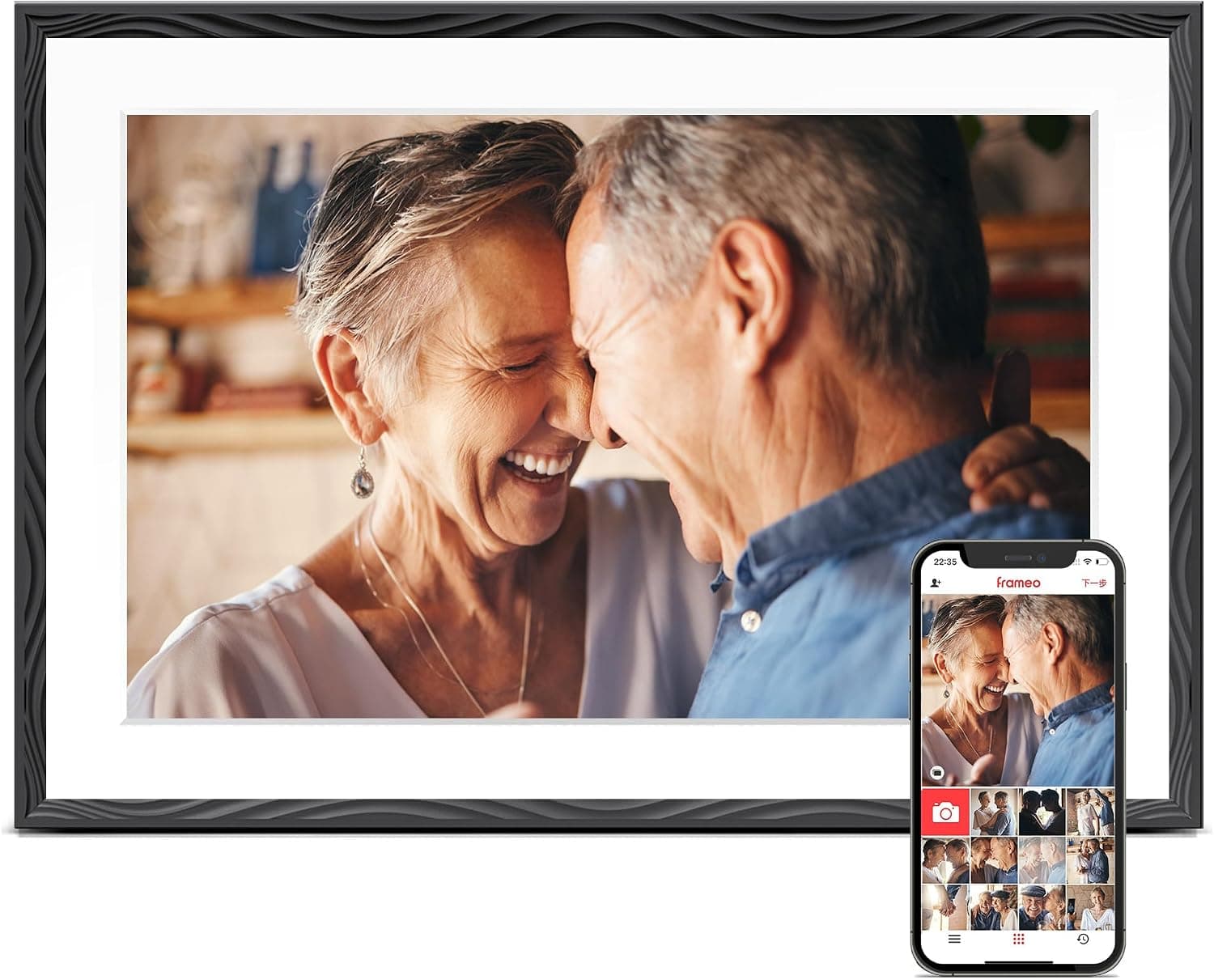
A 10.1 inch HD touch screen with 32GB built in storage and the free Frameo app for instant photo and video sharing. Motion sensor dims the screen automatically when no one is in the room. The best value of the four, with a smaller storage ceiling than the pricier options.
How I Actually Keep This Running
Buying the frame is the easy part. What actually keeps things running smoothly is a Sunday habit of going through my camera roll and selecting the best five or six photos from the week, then sending them to all the frames at once. The Aura app lets you select photos and push them to multiple frames in one go, so you are not sending them one by one to each person. It takes maybe ten minutes and it means my mom, my husband's aunt, and my grandma are seeing the boys grow up in something closer to real time instead of once a year at a visit.
If you do go with the Frameo, I would keep a couple of spare microSD cards on hand, since its built in storage is the one that fills up, and having a card ready to swap in beats discovering the issue mid slideshow when family is over. If you are shopping frames as gifts, it is worth browsing the full Aura lineup since they come in different sizes and finishes depending on where the frame will actually sit in someone's home.
One honest lesson from the Aura in our own living room: I originally loaded it with photos of the boys, thinking they would love watching their own memories rotate by, and within two weeks it was furniture nobody looked at. Then I switched it to photos of the faraway family instead, my mom, my husband's aunt, the cousins in Romania, and now the kids actually stop and look. These frames work best pointed at the people you are missing, whichever direction that runs.