Best Mesh WiFi Routers for Families with Multiple Devices
The best mesh WiFi routers for families with multiple devices, from budget-friendly picks to whole-home Wi-Fi 7 systems built for busy homeschool days.
For years our internet setup was one router sitting on a shelf in the office, and every room farther than the kitchen got a weak, dropping signal. It did not matter much until we were homeschooling four boys who all needed devices running at the same time, my husband was on a video call upstairs, and I was trying to stream something in the kitchen while dinner cooked. Everything buffered. Everything lagged. I spent more time restarting the router than I want to admit.
Switching to a mesh system was one of those unglamorous purchases that quietly fixed a daily frustration. Instead of one router pushing signal from a single spot, a mesh system spreads two or three small units around the house so every room gets a strong, even connection, and the whole thing behaves like one network instead of a router plus a string of extenders that never quite talk to each other properly. I researched this more than I probably needed to before buying, then tested a few systems over the following months as our homeschool days got busier. Here is what actually held up.
What Actually Matters in a Mesh WiFi System
A few things separate the systems worth keeping from the ones that end up returned.
Coverage for your actual square footage. Manufacturers list generous coverage numbers, but walls, floors, and how your house is laid out all cut into that. A 3-pack rated for 5,500 square feet in an open ranch will not perform the same in a two-story house with a finished basement. Buy for your real layout, not the box number.
How many devices it can actually hold steady. Between four boys on tablets and laptops for schoolwork, a couple of smart home gadgets, phones, a smart TV, and a printer, our house regularly has more than twenty devices connected at once. Cheaper routers start to choke well before they hit their advertised device limit. Mesh systems built for family homes handle this without the network slowing to a crawl.
Parental controls and scheduling. Being able to pause WiFi to a specific device at bedtime, or set homeschool hours where school apps work but games do not, has genuinely cut down on arguments in our house. Not every system does this equally well, and it is worth checking before you buy rather than after.
Wired backhaul option. Every mesh system talks between its units wirelessly by default, but if you can run an ethernet cable between two points in your house, connecting the satellite units that way frees up wireless bandwidth for your devices instead of using it for the mesh to talk to itself. This matters more than most people realize once you have a lot of devices.
Wi-Fi 6E versus Wi-Fi 7. Wi-Fi 6E added a whole extra band that is less crowded with neighbors' networks, which noticeably cut down on dropped connections for us. Wi-Fi 7 is the newer standard and is genuinely faster, but you need devices that support it to see the full benefit, and most of ours do not yet. Do not feel pressured to pay a premium for Wi-Fi 7 if your current devices are a few years old.
At a Glance
| Pick | Best For | Wi-Fi Standard | Coverage | Approx. Price |
|---|---|---|---|---|
| TP-Link Deco XE75 (3-Pack) | Best overall for families | Wi-Fi 6E | Up to 7,200 sq ft | Mid |
| Amazon eero 6+ (3-Pack) | Best budget, simplest setup | Wi-Fi 6 | Up to 4,500 sq ft | Under $150 |
| Netgear Orbi RBK853 (3-Pack) | Best for large or multi-story homes | Wi-Fi 6 | Up to 7,500 sq ft | Higher-end |
| TP-Link Deco BE63 (3-Pack) | Best future-proof pick | Wi-Fi 7 | Up to 6,500 sq ft | Premium |
TP-Link Deco XE75 (3-Pack)
This is the one I would point another homeschool mom toward first. It runs on Wi-Fi 6E, which added a completely new 6GHz band that almost nobody in a typical neighborhood is using yet, so our devices connect to it without fighting for space with the neighbor's network the way they used to on the older bands. Setup took about fifteen minutes through the Deco app, and it walked me through placing each of the three units without any guesswork.
The parental controls are where this one earns its keep in our house. I set homeschool hours on the boys' tablets so educational apps work but games and video stay off until school is done, and I can pause any single device from my phone in about two taps when someone needs a reminder to get back to their math lesson. Coverage has been strong through every level of our house, including the basement where our old router setup barely reached at all.
The one caveat is that it is a genuine mesh system built for a mid-size to larger home, so if you live in an apartment or a smaller single-level house, you are paying for range you may not need. For anyone with a full house of devices and kids doing schoolwork online throughout the day, though, it has been worth every bit of the switch.
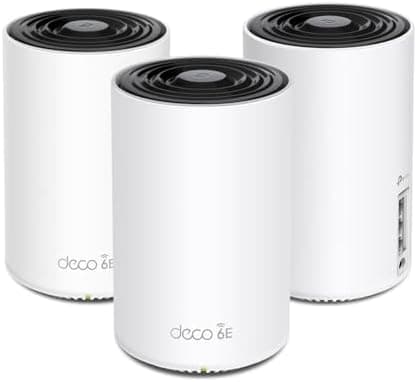
TP-Link Deco XE75 AXE5400 Tri-Band WiFi 6E Mesh System, 3-Pack
Tri-band Wi-Fi 6E mesh system covering up to 7,200 square feet across three units, with built-in parental controls, scheduling, and AI-driven mesh optimization. Replaces a router and extender setup entirely. Our top pick for family homes running a lot of devices at once.
Amazon eero 6+ (3-Pack)
My sister-in-law recommended this one after she set it up in her own house, and it is the easiest system on this list if you want something that just works without much fiddling. The eero app is genuinely simple, walking you through plugging in each unit and naming rooms, and it was fully running in under ten minutes when I helped her test it.
It does not have quite the range or the extra 6GHz band that the XE75 does, and in a larger house you may need to place the units a bit more carefully to avoid dead zones. But for a smaller home, an apartment, or as a starter mesh system before committing to something pricier, it covers a solid amount of ground and includes basic parental controls and device scheduling. It also has a built-in smart home hub for Zigbee devices, which is a nice bonus if you are dabbling in smart plugs or sensors.
The honest downside is that the app pushes you toward an eero Plus subscription for advanced security features, and while the core WiFi works fine without it, it can feel like a bit of an upsell if you are not expecting it.
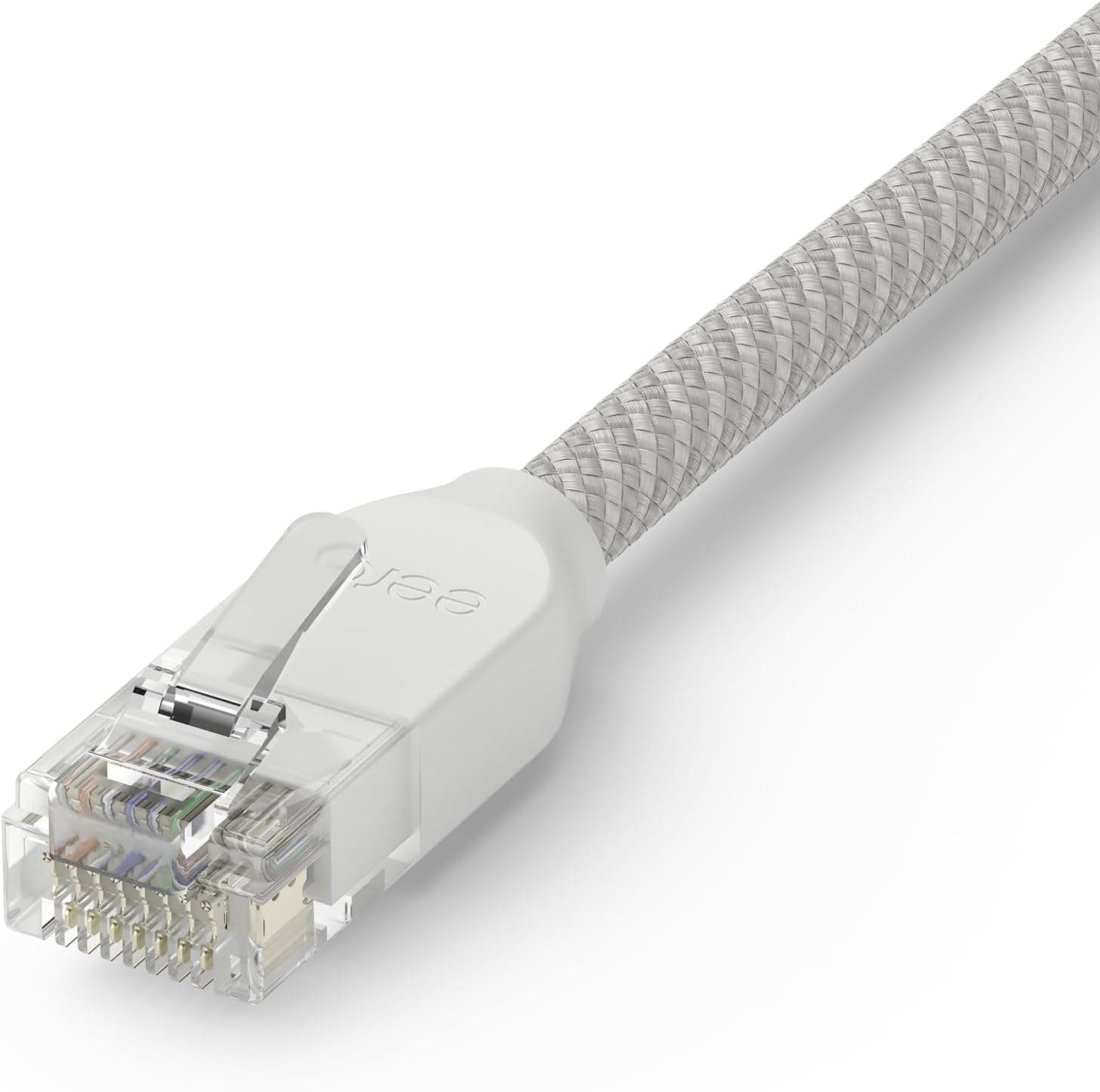
Amazon eero 6+ Mesh WiFi 6 System with Built-In Zigbee Hub, 3-Pack
Dual-band Wi-Fi 6 mesh system covering up to 4,500 square feet, with a built-in Zigbee smart home hub, simple app setup, and basic parental controls. The easiest system here to get running quickly, and the most budget-friendly of the four.
Netgear Orbi RBK853 (3-Pack)
When my aunt moved into a bigger house with a finished basement and a detached garage she uses as an office, this is the system she landed on, and it has held up well by her account. Orbi uses a dedicated wireless band just for the units to talk to each other instead of sharing bandwidth with your devices, which keeps speeds steady even with a lot of things connected at once.
It is the strongest coverage option of the four, rated for up to 7,500 square feet with the 3-pack, and it comfortably handles the kind of device count a busy family home racks up between phones, tablets, smart TVs, and a few smart home gadgets. The security features are solid too, with built-in threat detection that runs without needing a third-party app.
The trade off is size and price. The units themselves are noticeably larger than the other systems here, which matters if you do not have much shelf or console space to work with, and this is the priciest system to buy outright of the four. For a large or multi-story house, though, the coverage and stability are hard to beat.
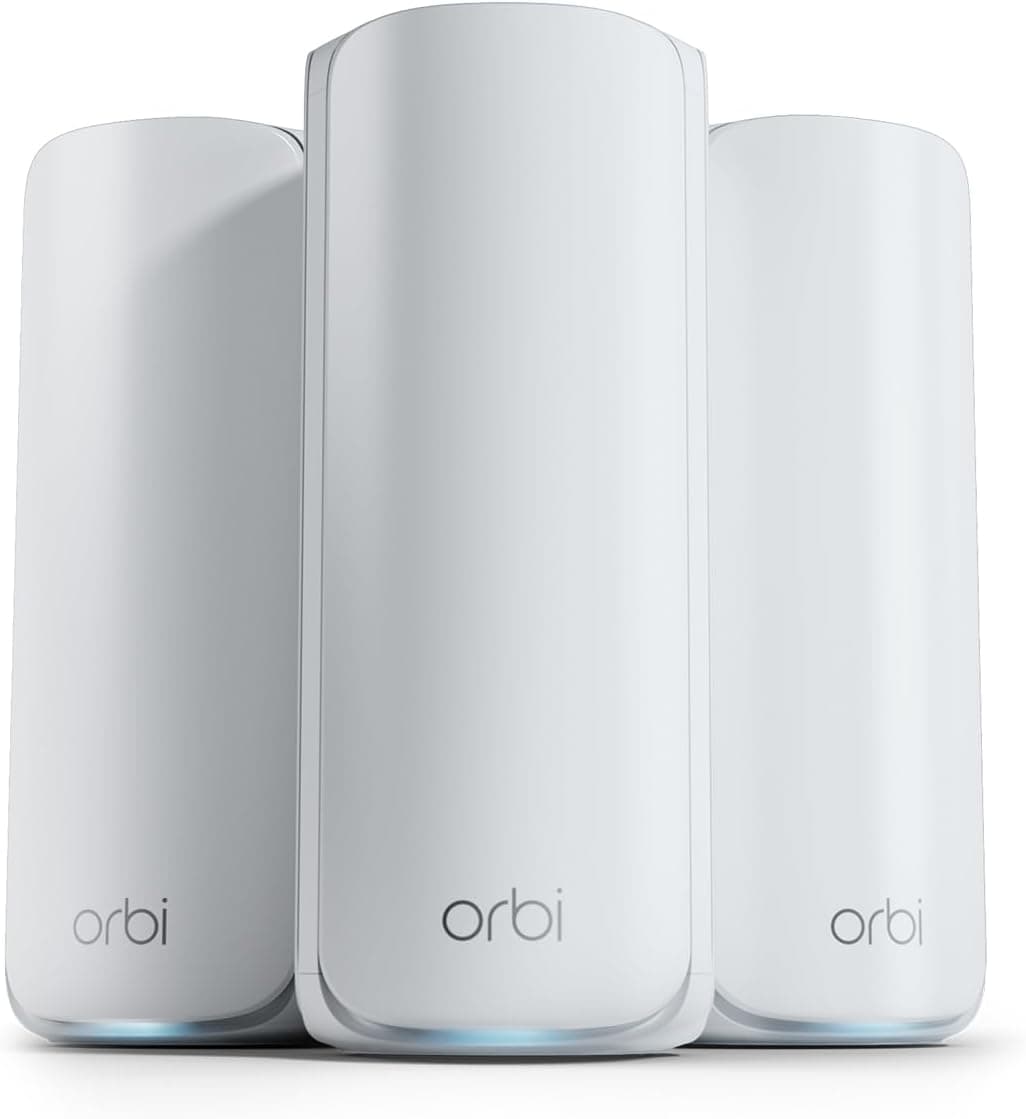
NETGEAR Orbi AX6000 Tri-Band WiFi 6 Mesh System (RBK853), 3-Pack
Tri-band Wi-Fi 6 mesh system with a dedicated backhaul band, covering up to 7,500 square feet and handling up to 100 connected devices. Built-in security features run without a subscription. The strongest coverage pick here for large or multi-story homes.
TP-Link Deco BE63 (3-Pack)
This is the newest system I tried, and it runs on Wi-Fi 7, which is the current top of the line standard. In practice, most of our devices are a generation or two behind what is needed to take full advantage of it, so day to day it has felt similar to the XE75 for us. But it is clearly built to be the long-term pick, the one you buy once and do not think about upgrading again for years as more devices catch up to the new standard.
Where it noticeably pulled ahead was with wired backhaul. We have an ethernet line already run between our office and the family room, and connecting two of the units that way instead of relying on wireless mesh freed up a surprising amount of speed for everything else on the network during a night when all four boys were on video calls with their homeschool co-op at once.
The downside is straightforward: it is the most expensive system on this list, and if your current devices do not support Wi-Fi 7, you will not see the full benefit for a while. For anyone who wants to future-proof and plans to keep the system for the long haul, it is a reasonable trade off.
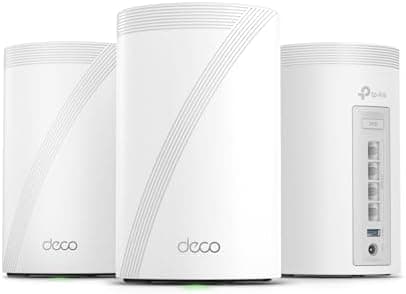
TP-Link Deco BE63 Tri-Band WiFi 7 Mesh System, 3-Pack
Tri-band Wi-Fi 7 mesh system covering up to 6,500 square feet, with wired backhaul support and HomeShield security features included. The most future-proof pick here, best for households ready to invest in the newest standard.
How I Actually Set Ours Up
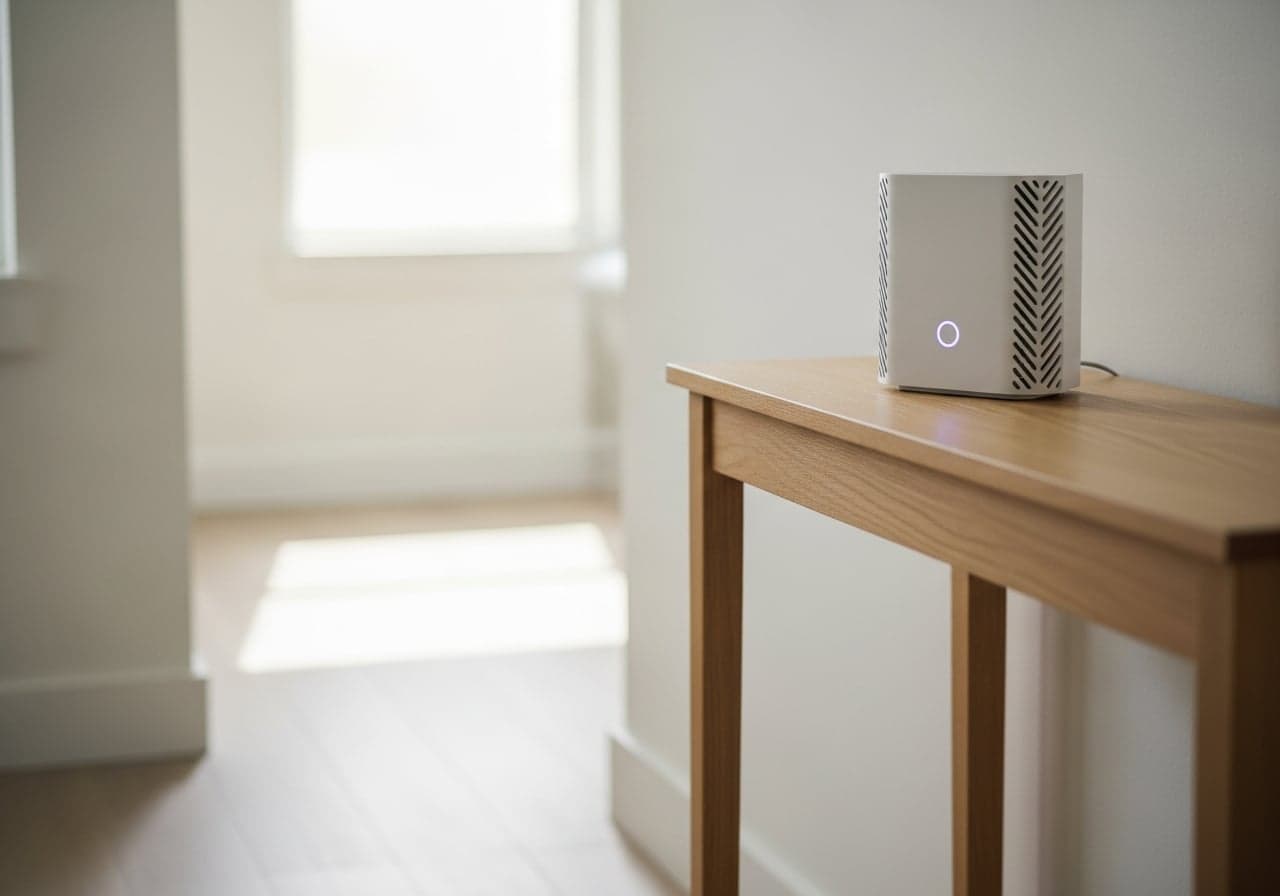
Placement made a bigger difference than I expected. The main unit connects to your modem, and the general rule is to put satellite units roughly halfway between the main unit and the room with the weakest signal, not shoved in a far corner where they are also struggling to reach back to the main unit. We ended up with one unit in the office where the modem lives, one on a console table in the hallway between the bedrooms, and one in the basement near where the boys do their tablet-based lessons in the afternoon.
I also set up separate device groups for the kids' tablets so I could apply homeschool hours without touching my husband's work laptop or my own phone. It took maybe twenty extra minutes the first time, and it has saved a lot of "is your tablet actually doing schoolwork right now" conversations since.
One thing that did not go smoothly at first was our smart TV, which kept dropping off the network for the first few days after we switched systems. It turned out it had cached the old router's network name and needed to be manually forgotten and reconnected. If a device seems to lose connection after you switch to a mesh system, that is usually the fix before you assume something is wrong with the router itself.
If you are also working on general household organization while you are at it, a few of us in my homeschool group have been raving about cable management boxes to hide the tangle of cords a home office and a mesh unit both come with.