Best E-Reader for Women: Honest Kindle Picks
Four Kindles honestly reviewed: Paperwhite, Colorsoft, Scribe Colorsoft, and the budget basic. Which one actually fits your reading life, from someone who has owned all of them.
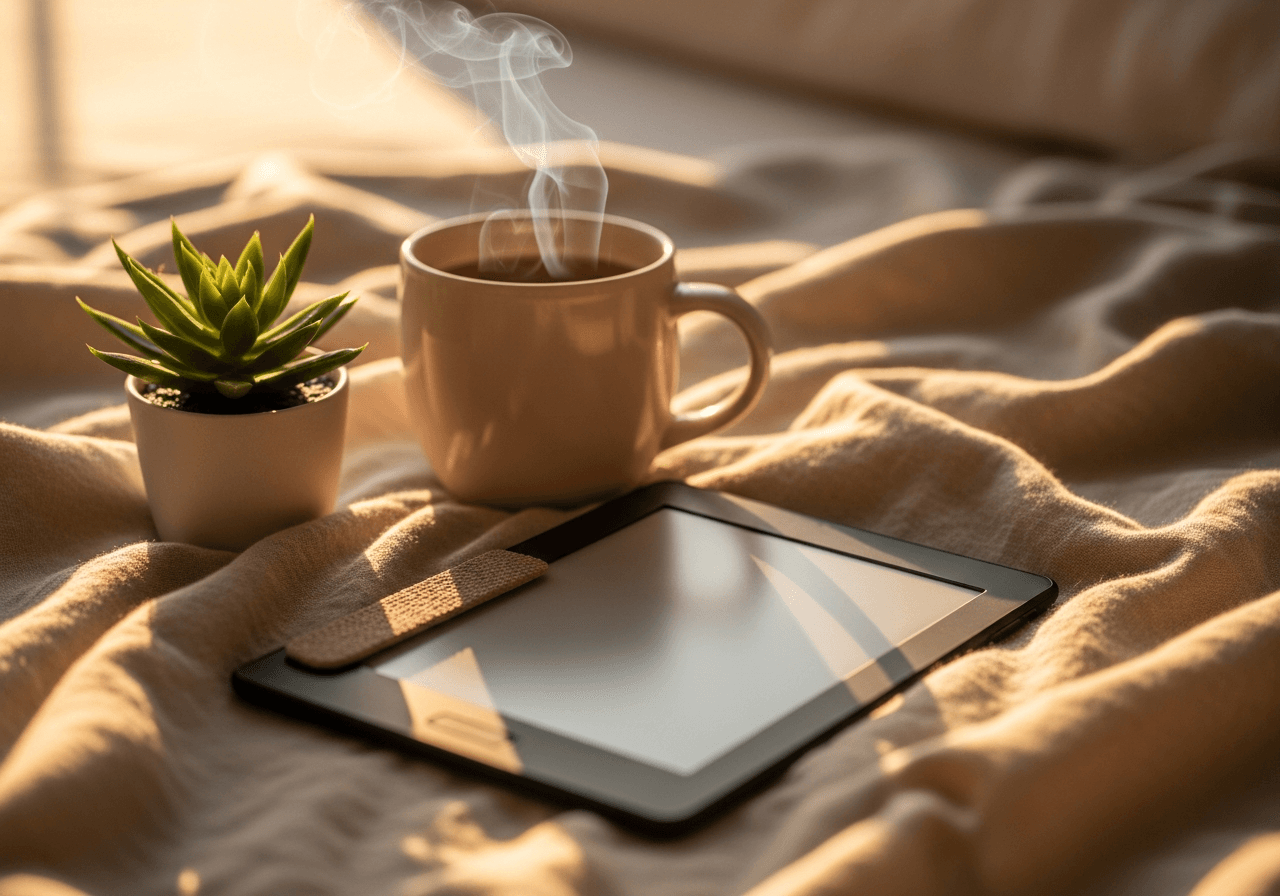
I resisted getting an e-reader for years. My reasoning was completely circular: I like the feel of physical books, so I will just keep buying physical books. That logic ignored the fact that my bedside table had become structurally unstable, I was paying for overnight shipping on impulse reads at midnight, and our last move required an entire section of the truck dedicated exclusively to what my husband called "the paper problem."
I finally caved when a friend handed me her Kindle on a flight and said just try one chapter. I finished two-thirds of the book before we landed.
That was several years and several Kindle models ago. I have owned four of them now, replaced one after a bathtub incident, and do most of my reading on an e-reader rather than a physical book at this point. Not because I stopped loving books, but because reading has gotten easier in real, practical ways: I can read in the dark without a lamp disturbing anyone, my library travels in my bag without adding weight, and I can get any book in seconds from anywhere.
These are the four I would recommend right now, at different price points and for different reading habits.
What to Actually Consider Before Buying
The e-reader category is simpler than it looks. Most real decisions come down to a few factors.
Screen size. The standard is 6 inches. The Paperwhite uses 7 inches, giving slightly more text per page without increasing the device size dramatically. The Scribe Colorsoft uses an 11-inch display, closer to a physical book, and useful for note-taking, but it also adds weight. If you read in bed and hold the device for long sessions, size affects fatigue more than you might expect.
Color versus black and white. E Ink color screens, which Kindle now uses in the Colorsoft and Scribe Colorsoft, look genuinely good for covers, magazines, and illustrated content. For straight prose, the visual difference from a B&W screen is minimal during reading. Color matters most when browsing your library and reading books with charts, maps, or real imagery.
Note-taking. If you annotate heavily, underline, take notes in margins, or journal alongside reading, the Scribe Colorsoft changes what an e-reader can do for you. If you just read and occasionally highlight a passage, the stylus capability is not worth the size and price difference.
Storage. Most readers never fill 16 GB. Audiobooks take significantly more space than ebooks, so if you switch between reading and listening on the same device, 32 GB starts to make more sense.
Waterproofing. The Paperwhite and Colorsoft are both IPX8 rated, meaning they survive submersion up to 2 meters for 60 minutes. If bath reading is part of your routine, this matters. The Scribe Colorsoft is IPX5 rated, which covers splashing but not full immersion.
At a Glance
| Pick | Best For | Screen | Waterproof | Approx. Price |
|---|---|---|---|---|
| Kindle Paperwhite | Best all-around | 7 in B&W | IPX8 | Mid |
| Kindle Colorsoft | Visual readers | 7 in color | IPX8 | Mid-high |
| Kindle Scribe Colorsoft | Writers & annotators | 11 in color | IPX5 | Highest |
| Kindle (base) | Cheapest starter | 6 in B&W | None | Low |
Kindle Paperwhite (2024)
The Kindle Paperwhite is the model I recommend to almost everyone who asks. It is not the flashiest option on this list, but it does everything a reader needs without compromise, at a price that does not sting if you drop it in the tub.
The 2024 generation upgraded the display to 7 inches and made page turns 20% faster. That 7-inch screen is a real improvement. Text has a slightly more open feel, and I find myself adjusting font size less often than I did on older models. The higher contrast ratio makes text feel sharper, closer to ink on paper, without the harshness you get reading on a backlit phone.
Battery life is measured in weeks, not hours. I charge mine every three to four weeks with daily sessions of an hour or more. That is the detail that still surprises people who are used to the charging rhythm of a phone or tablet. You put it down, pick it up two weeks later, and it has plenty of battery remaining.
The warm light setting, which tints the backlight toward amber, is the feature I use most. Nighttime reading with the warm light turned low is comfortable in a way that reading on a phone never is. Switching from my phone to the Paperwhite before bed made a noticeable difference in how easily I fell asleep afterward.
Honest limitation: no color display. If you read magazines, illustrated cookbooks, or graphic novels regularly, the black and white screen flattens the experience. For prose fiction and nonfiction, it does not matter at all.
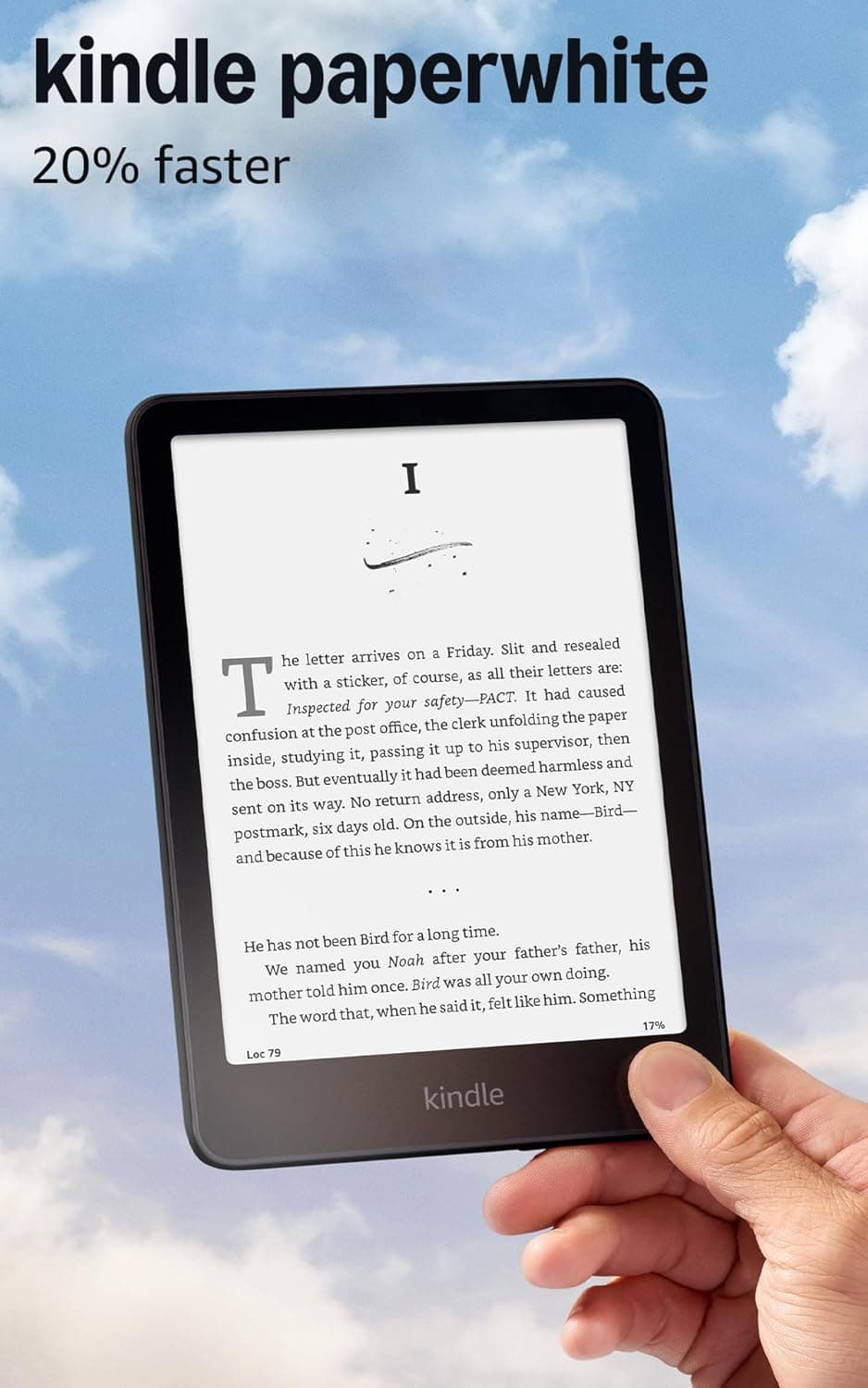
The best all-around Kindle for most readers. A 7-inch glare-free display, 20% faster performance, IPX8 waterproofing, adjustable warm light, and weeks of battery life per charge. Available in Black, Jade, and Raspberry. The Paperwhite Signature Edition adds 32 GB storage, wireless charging, and an auto-adjusting front light if you want the upgrades.
Kindle Colorsoft (2024)
The Kindle Colorsoft is what I bought when I wanted to see what the color E Ink display actually looked like in daily use. My honest answer: more impressive than I expected, and worth it for the right reader.
The Colorsoft uses Kaleido 3 technology with 4,096 colors. Covers look the way they look in a bookstore window, not washed out and gray. Reading a cookbook with photos, flipping through a magazine, or browsing your library shelf actually resembles what you see on a physical book cover rather than a photocopy. For prose, the reading experience is essentially the same as the Paperwhite, since you are reading black text on a white background either way.
Where color makes the biggest practical difference is illustrated nonfiction and books with charts and graphs. I have a few business books where diagrams were completely unreadable on my old Paperwhite because greyscale rendering turned everything to mud. On the Colorsoft, those same diagrams are actually useful.
Color highlighting is available on the Colorsoft for the first time in Kindle's lineup. You can highlight in blue, yellow, green, or orange. If you use a color-coded system across topics and subjects, this is a meaningful upgrade over single-color highlighting.
Honest limitation: the Colorsoft's warm light does not auto-adjust the way the Paperwhite Signature Edition does. If you read in a wide range of lighting conditions throughout the day, you may find yourself manually adjusting more often than you would on the Signature Edition. This is minor for most people but worth knowing.
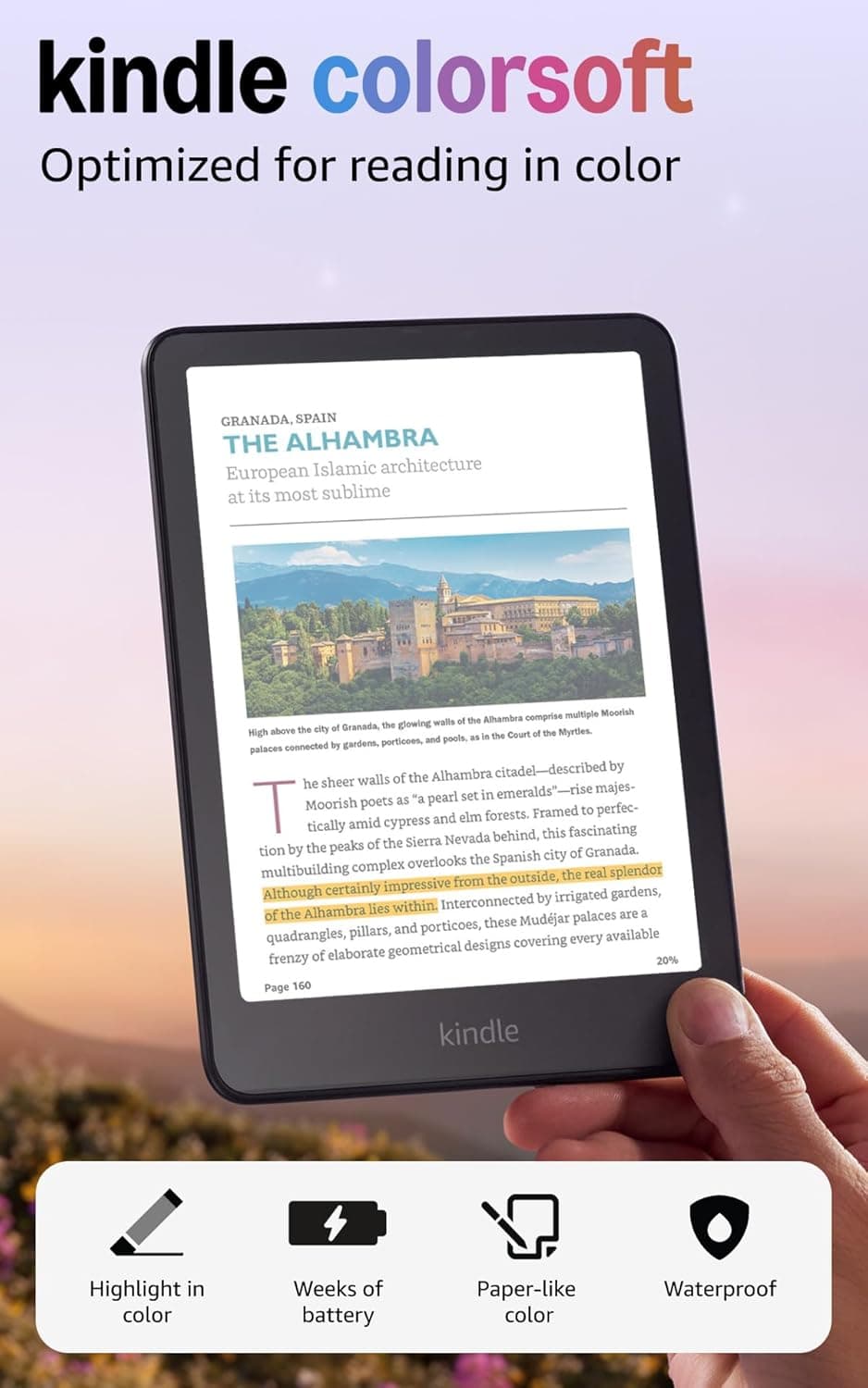
Kindle's color e-reader with a genuine color E Ink display. Covers look like covers, charts and illustrations are readable, and color highlighting makes nonfiction annotation much more functional. IPX8 waterproof, 16 GB storage, adjustable warm front light. Best for readers who regularly read illustrated books, cookbooks, magazines, or who use a color-coded highlighting system.
Kindle Scribe Colorsoft (2025)
The Kindle Scribe Colorsoft is the most ambitious Kindle yet: an 11-inch color display with a stylus, built for reading and writing on the same device.
I bought the original Kindle Scribe when it launched and used it primarily for annotating business books and keeping reading journals. The Colorsoft version added the color display, which at this size makes a bigger difference than it does on the smaller Colorsoft. At 11 inches, illustrated content genuinely fills the screen, and the reading experience is closer to a large-format physical book than anything else I have used.
The writing experience is the main reason to choose this model. You can write directly in the margins of any ebook, create handwritten notebooks, annotate PDFs, and journal alongside your reading. The Premium Pen is included and has a responsive, natural feel. Handwriting recognition converts your notes to text automatically, which makes reviewing them afterward actually pleasant rather than squinting at your own scrawl.
I use this when I am reading to learn rather than to relax. When I work through a business book, I write responses, annotate in depth, and sometimes take pages of notes alongside the text. The Scribe Colorsoft handles all of that in one device. When I just want to read fiction in bed, I reach for the Paperwhite because it is lighter and easier to hold one-handed.
Honest limitation: it is bigger and heavier than every other option on this list. Holding it one-handed for long sessions causes real arm fatigue. It is much better as a two-handed device or propped against a pillow or cushion. If you read mostly lying down, the weight will matter.
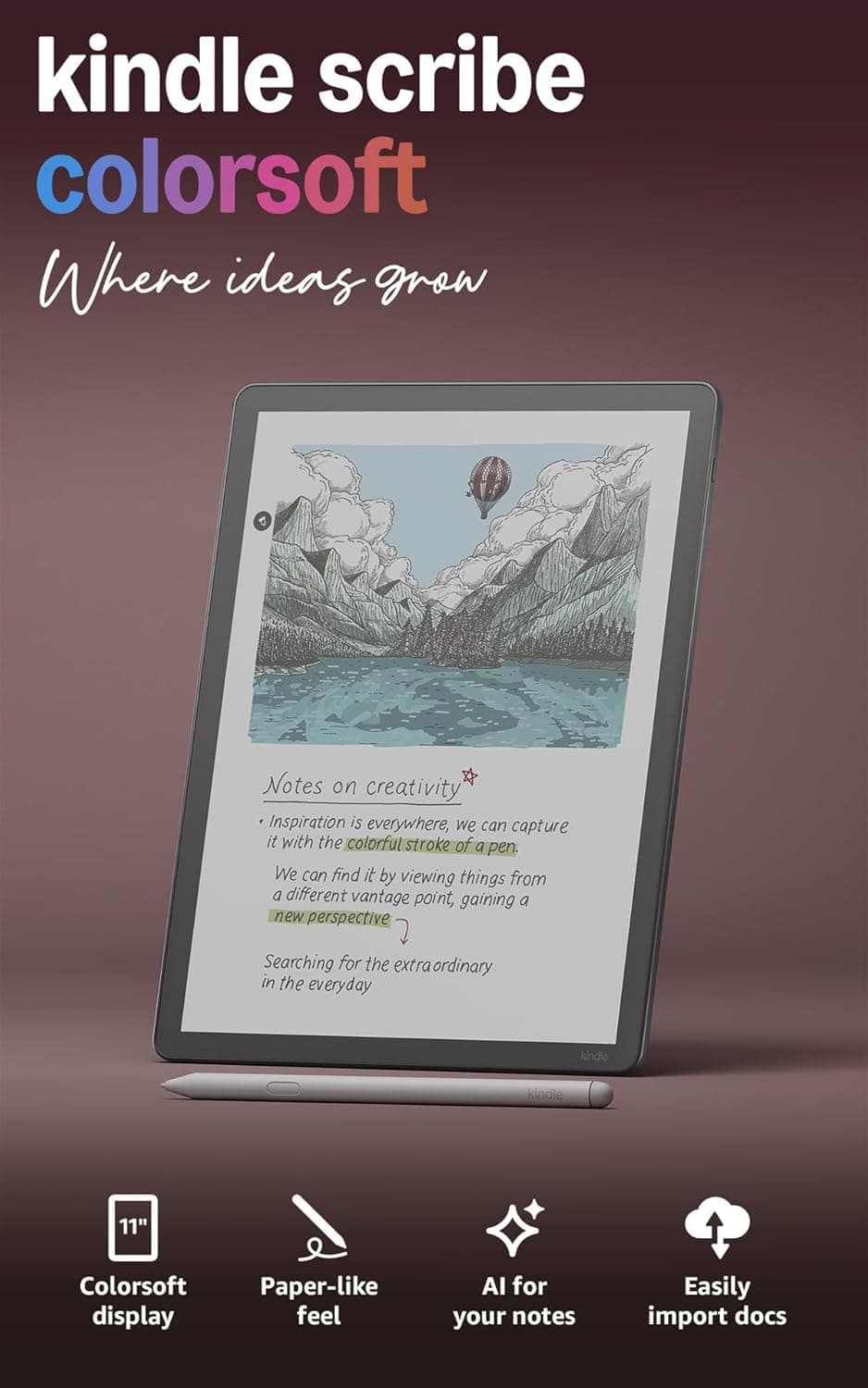
The most capable Kindle for readers who also write. An 11-inch color E Ink display with a Premium Pen for annotation, journaling, and note-taking alongside reading. 32 GB storage, IPX5 water resistance, and months of battery life per charge. The heaviest device on this list, but unmatched for deep reading sessions where active engagement matters more than casual comfort.
Kindle (2024): Budget Pick
If the Paperwhite price gives you pause, the base Kindle (2024) is a real e-reader that handles everything most readers need, for considerably less.
The 2024 basic Kindle received a meaningful update: a higher contrast ratio, faster page turns, and an adjustable front light that used to be exclusive to the Paperwhite. For years, the gap between the basic Kindle and the Paperwhite was large enough that I would always recommend spending the difference. The 2024 model narrowed that gap considerably.
Where it still falls short: the display is 6 inches rather than 7, there is no warm light temperature adjustment, and it is not waterproof. If you read in the bath or outside where glare and accidental splashes are part of life, the Paperwhite is worth the extra cost. If you read at a desk, in a chair, or in bed without water nearby, the base Kindle gets you 90% of the experience at significantly lower cost.
The compact size is a genuine advantage for travel. The basic Kindle slips into a small bag pocket in a way the Paperwhite, slightly larger, does not. If bag space is tight and weight matters, this is the most portable option on the list.
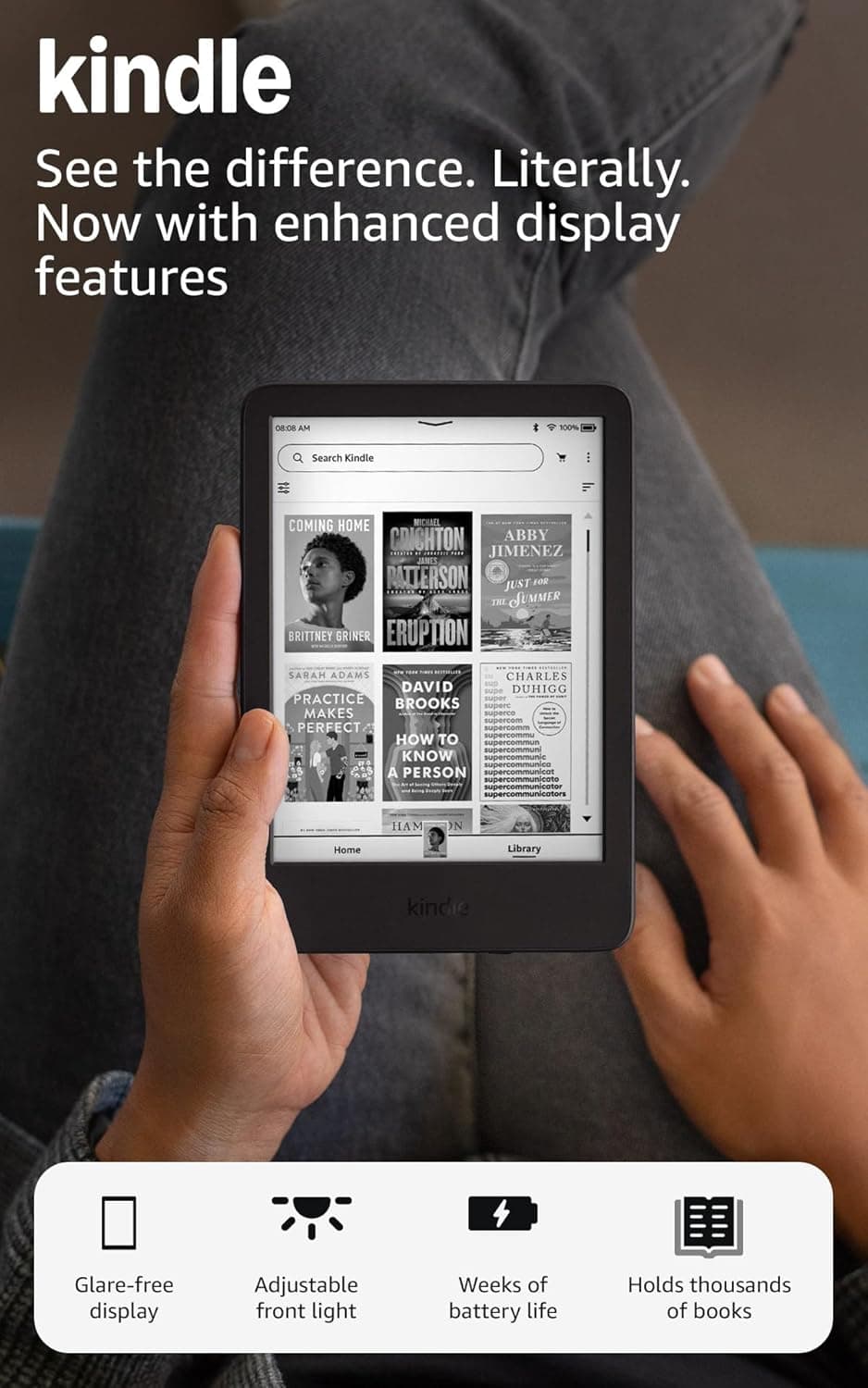
The most affordable and most portable Kindle. Updated with faster page turns and higher contrast ratio for the 2024 model. Adjustable front light included. No waterproofing and a 6-inch display rather than 7 inches, but the best starting point for someone new to e-readers or who reads casually and wants to spend less.
Which One Should You Get?
The simple version:
Get the Paperwhite if you want the best combination of features and value. It handles every reading situation well, it is waterproof, and it will last for years.
Get the Colorsoft if you read illustrated content regularly, want to highlight in multiple colors, or just want covers and library browsing to look like actual book covers. For prose-only readers the upgrade is not essential, but for visual readers it is meaningful.
Get the Scribe Colorsoft if your reading life involves heavy annotation, journaling alongside books, or working through nonfiction you want to engage with actively. It is a specific tool, not a general one.
Get the basic Kindle if you are just getting started, want to try an e-reader before committing more money, or need the most portable option.
One thing I did not expect: once you own an e-reader, you will use it more than you think. Every person I know who bought a Kindle ended up reading more books afterward. Having a device dedicated entirely to reading, with no social apps or notifications, removes friction I did not know I had.